
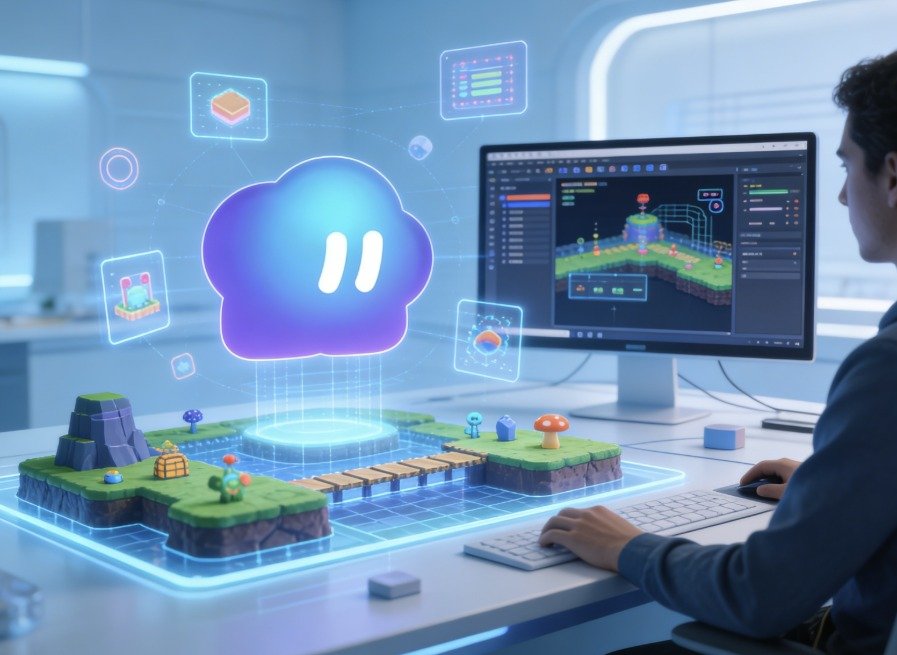
Modern game creation doesn’t stop with the automatic generation; each project deserves thoughtful refinement. Post-generation customization allows for the modification of mechanics, environments and visual identity without having to rebuild full levels. A visual editing process means no technical limitations during development and ensures creative freedom. Creators can tweak almost any aspect of the game without coding, and Framia Pro can handle visual content that goes beyond just the gameplay, for broader creative purposes.
Why Visual Editing Is Essential in AI Game Development
Automatic generation provides a solid foundation; refinement makes the ideas memorable. Visual editing allows for the preservation of creative control with no programming knowledge or advanced technical skills required. All the tweaks make for a more balanced game, consistent visuals, and more direct environmental storytelling. Many small changes can make a significant impact throughout player exploration and progression. The rapid iteration allows them to experiment with changes, as revisions are immediately visible after each change. This streamlined process saves time on development and empowers creativity. Converge AI streamlines the creative workflow, making it easier to organize related assets throughout connected projects. Worlds can be iterated over and over again whilst maintaining artistic vision from start to finish.Exploring the Capabilities of the Visual AI Editor
The visual editor makes it easy to tweak and edit almost any aspect of the world. Terrain layouts are easier to modify to create smoother terrain for easier navigation and more varied levels. Objects can be moved to better locations naturally without disturbing other objects. Lighting changes affect mood, visibility and emotional mood in each scene. Interactive elements are maintained visually, not coded, like in the case of interactive components. Each change to the environment is instant, so complex world design becomes manageable. Natural editing allows experimentation while keeping the gameplay structure and visual harmony. Designers spend less time on technical issues and more time with player experiences.Customizing Gameplay Without Writing Code
Conversational editing makes gameplay refinement easy, without the need for traditional scripting. Different platforming challenges in each level, depending on the height of the jumps. Character speed changes have a natural effect on pacing, exploration and player responsiveness. Interactive obstacles are flexible, with positions and behaviours updated in a simple manner by prompts. The level objectives are also dynamically adjusted using natural language instructions, without complicated programming. This workflow enables quick balancing during tests, without compromising project consistency. With the addition of Enter Pro, it will support wider creative production as well as the development of games, and the visual resources will be carried over to other creative tasks. Changes are easy to review and refine, so simple customizations can be made, encouraging experimentation.Steps to Customize Every Game Detail in Combos AI
Step 1: Set up the editable game world- Start on the Combos website and choose the “3D Platformer” template. The project opens with a prepared camera, ground, and navigation system.
- Describe the game genre, mechanics, checkpoints, and physics in your prompt. Boo asks guided questions before generating a detailed GDD.
- Use “Attach files”, “Take a screenshot”, and “Draw image” when extra visual direction helps.
- Open the “Project Assets” tab and launch the “Generator”. Create models and animations from prompts or uploaded images.
- Generate Vehicle, Terrain, and Obstacle assets. Combos AI links them with physics, camera controls, and gameplay logic.
- Preview changes in “Instant Preview” mode and review the playable result before publishing.
- Use the no-code visual editor to fine-tune terrain, lighting, and object placement.
- Add obstacles, finish lines, and interactive elements. Change speed or jump height through text prompts.
- After reviewing the final version, click “Publish” to share the completed 3D game.
Game Elements You Can Personalize Using the Visual Editor
Visual editing offers a wide range of customization options for environments, mechanics and interactive content. Combos AI offers adaptable editing with streamlined workflows.- Terrain Design: Design terrain without technical modeling and create diverse terrain more efficiently.
- Lighting Effects: Set mood with lighting and naturally add to environmental storytelling.
- Object Placement: Enhance the positioning of interactive elements for visual movement and to enhance game flow.
- Obstacle Configuration: Change obstacles around on levels and add replay value in a way that makes sense.
- Gameplay Parameters: Tweak movement, jumping, and physics parameters to ensure consistent player experience.
- Environmental Details: Carefully add decorative elements and enhance visual identity throughout the scenes.